
Project settings
Each project carries its own settings — under /projects/:slug/settings (sections: General (including Review), Capture, Tests, Labels, Tokens, Webhooks, Notifications (chat, email and git channels), Members, and AI when the server has AI configured) and via PATCH /api/v1/projects/:slug.
General
Section titled “General”Name, git_repository (owner/repo), git_default_branch (baseline fallback, default main), diff thresholds (pixel_threshold 0–1, max_diff_ratio 0–1), capture browser (a target the capture runner offers: chromium, firefox, webkit, chrome, or <engine>@<name>), viewports, and public_branch_regex for published Storybook access (see Published Storybook).
PATCH /api/v1/projects/:slug is site-admin or project-admin only; GET /api/v1/projects/:slug respects viewer+ membership.
Capture
Section titled “Capture”Which engines each build is captured on and which modes run. Browsers: a primary target plus up to two more (browsers via PATCH, primary first), chosen from the targets the runner has ready (unavailable ones are listed with the reason and refused on save); each target keeps its own baselines, and one approval covers a story and mode on all of them. Mode allowlist: mode names to run (modesAllowlist); empty runs every mode declared in your stories’ parameters. Signed Storybook URL lifetime (storybookUrlTtlSeconds, whole seconds from 1050 to 86400, project admins; the floor is one slice of 50 captures plus the 5 minute grace, and a lower value is refused): how long the URL given to a remote browser that cannot route back to the server stays valid (Remote browsers); empty derives it from the build’s size, between 2 and 24 hours.
With testing on, Settings → Tests (project admins; executePlay, playTimeoutMs, runTests and runA11y on PATCH /api/v1/projects/:slug, also accepted on create):
- Interaction tests (
executePlay, default off): run each story’splayfunction before the screenshot; a failingplayblocks the build. See Interaction testing. - Run Storybook tests (.test()) (
runTests, default off): run the Storybook 10.test()entries once per build and report them on the build page; a failing test fails the build like a failingplay. Off by default because it changes what a build contains. A no-op on Storybook 8 and 9. See Interaction testing. - Accessibility checks (axe) (
runA11y, default on): every story captured on the project’s primary browser (the first in its list) is scanned with axe-core (WCAG A/AA and best-practice rules, honouringparameters.a11y). Violations are shown with the snapshot in review and on the component page and never block a build. Turn it off to skip the scan and its cost (about 150 ms per story and viewport). Projects created before this setting existed keep the value their database holds.
Review
Section titled “Review”Under General → Review, or reviewEnabled and reviewApprovals on PATCH /api/v1/projects/:slug (project admins):
- Review builds before they are accepted (
reviewEnabled, default on). With review on, a build on a non-default branch of a project withouttestingwaits aspendingfor a build-level verdict, and comments, story comments, the changeset and the verdict controls are available. With review off the build is accepted when publishing ends and the review routes answer 404 for the project (nothing is deleted; turning review on again shows it all). Saving the form or the API call that turns review off also accepts the project’spendingbuilds that no capture worked on, in one pass, and raises no approval event. - Approvals required (
reviewApprovals, default 1, 1 to 20): how many reviewers must approve a build before it is approved whentestingis off. A rejection always rejects. On an instance without authentication, verdicts count as one anonymous reviewer, so a value above 1 cannot be met there (see Review).
The default branch is never held. The review form is reachable while review is off, so a project can always turn it back on. See Review.
Label types
Section titled “Label types”Project-defined kinds (pr, mr, jira, linear, figma, custom) with link_template (https://github.com/{repo}/pull/{value}) and optional color. persistent and branch are seeded and read-only. Manage in Settings → Labels or via GET/POST/PATCH/DELETE /api/v1/projects/:slug/label-types/:key. See Labels concept for linking and stable URLs.
Members
Section titled “Members”When auth is enabled, Settings → Members lists project_members (viewer/developer/approver/admin). Project admin or site admin can POST /api/v1/projects/:slug/members { userId, role }, PATCH role, or DELETE. IdP group mappings (group → role) sync at login — see Roles & tokens.
Tokens
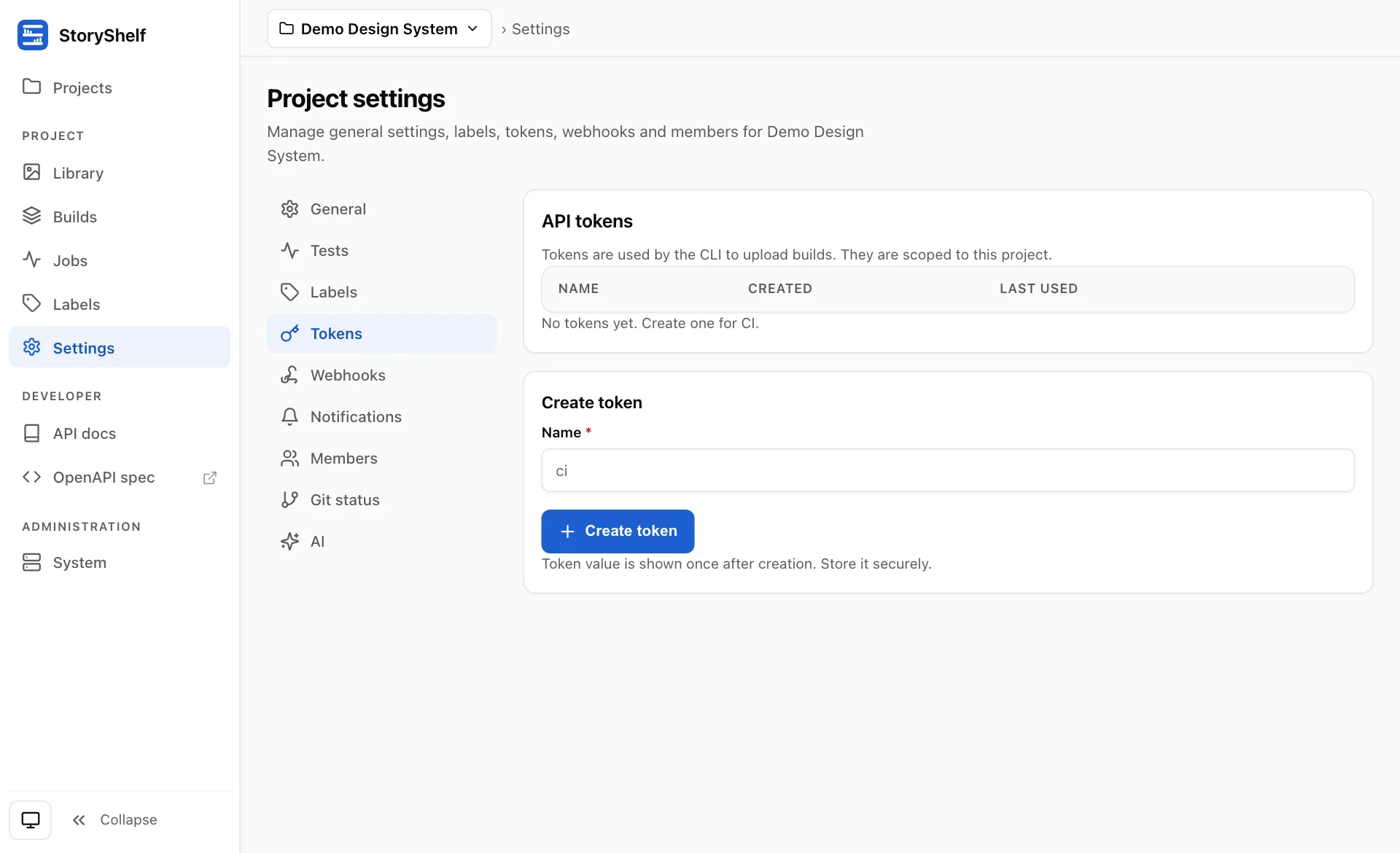
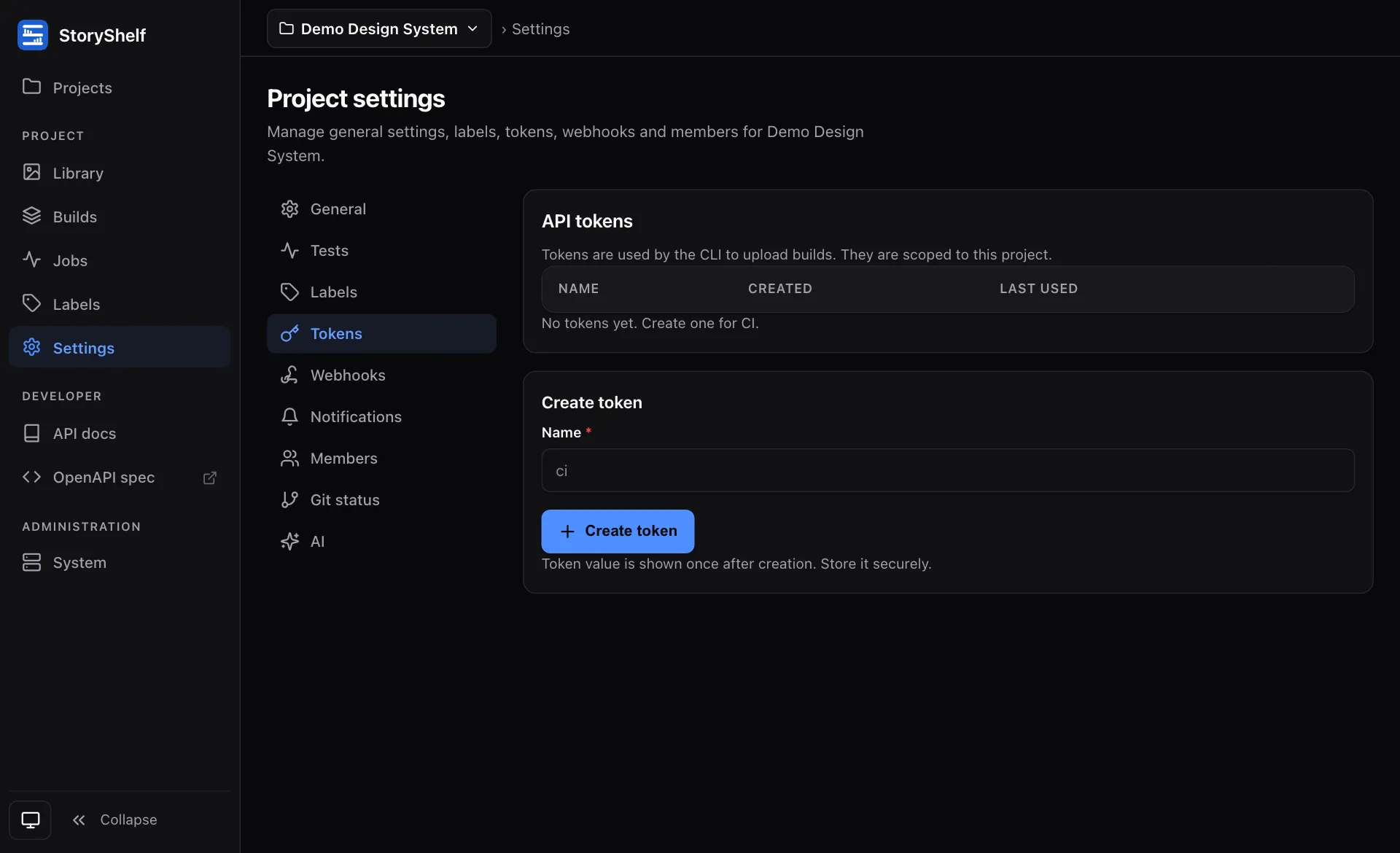
Section titled “Tokens”Per-project CI tokens (Authorization: Bearer <token>, STORYSHELF_TOKEN) are minted in Settings → Tokens (POST /api/v1/projects/:slug/tokens, shown once, stored hashed) and resolve to the live role of the minting user. Revoke via DELETE. Site-admin tokens (STORYSHELF_ADMIN_TOKEN) mint projects and purge retention — see Auth.
Webhooks
Section titled “Webhooks”Settings → Webhooks or POST /api/v1/projects/:slug/webhooks { url, events[], secret }. Secrets are AES-GCM encrypted with server SECRET; delivery is HMAC-signed. Filter by events or leave null for all. See the dedicated Webhooks guide.
Shown only when the server is configured with AI insights. Site admins choose an AI profile for the project (or Off); everyone else sees the current value read-only. The profile decides which models see the project’s data. The same setting is available as aiProfile on PATCH /api/v1/projects/:slug (site admins only).
Related
Section titled “Related”- Projects concept — one Storybook per project
- Roles & tokens — site vs project roles, token binding
- Labels — link templates & stable URLs
- Auth — local / social / SSO / passkeys