
Project health
The health digest looks at a project’s recent builds and summarizes how steady its visual testing is: review load, rejected builds, and the stories that keep changing.
What it shows
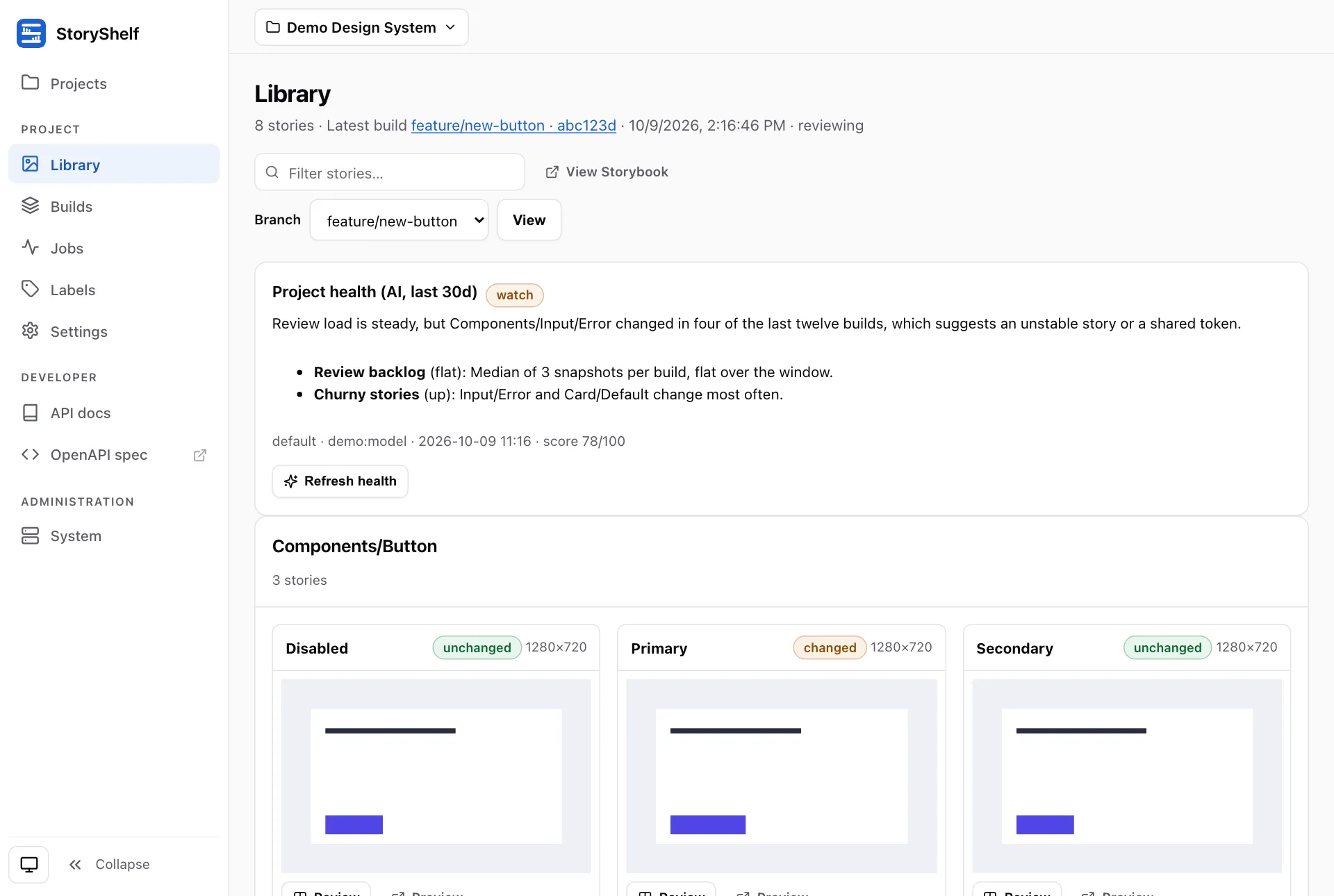
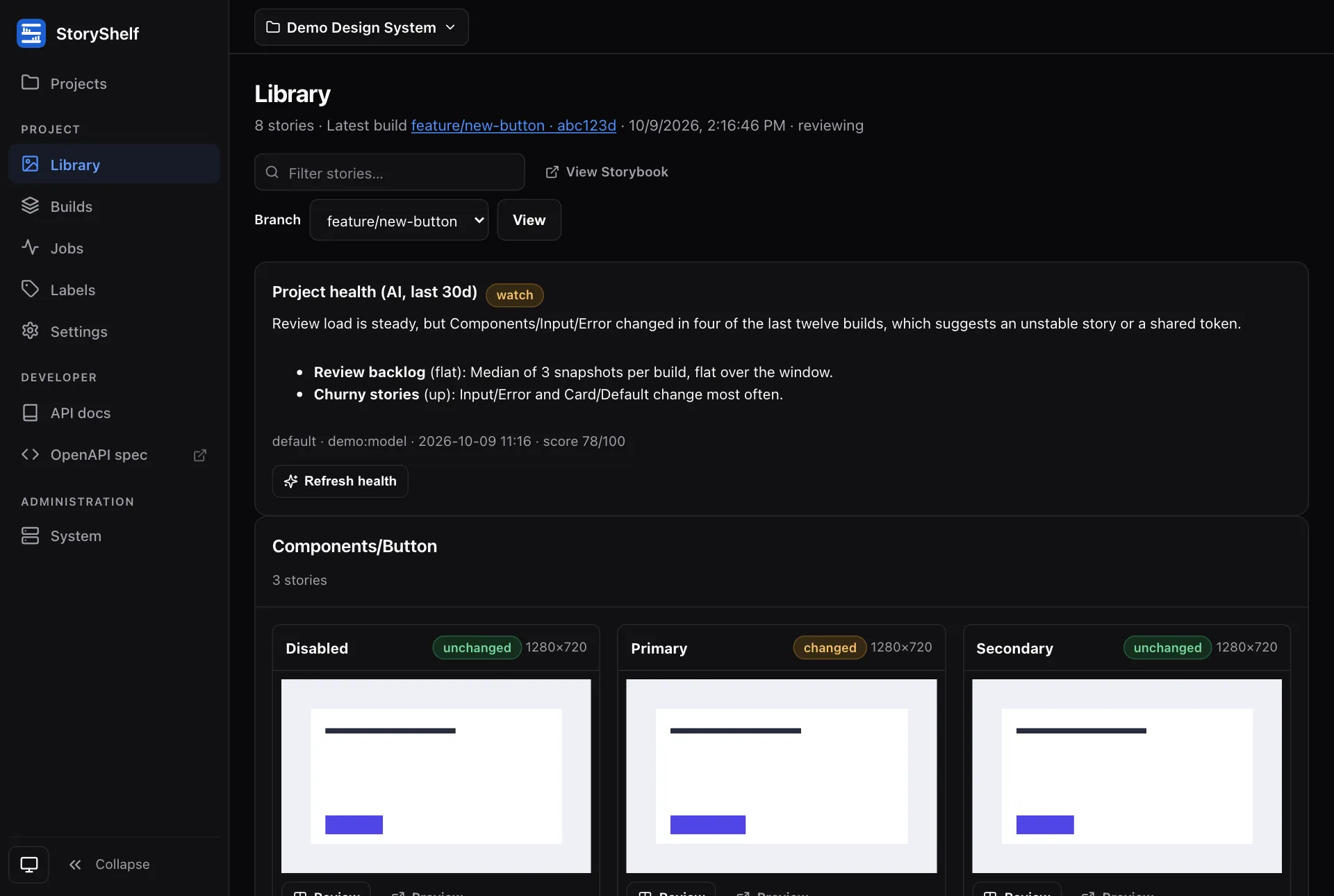
Section titled “What it shows”- A verdict:
healthy,watchorunhealthy, and a score from 0 to 100. - A short summary and up to ten trends (for example a churny story or a growing review backlog), each with a direction.
- The profile, model and time it was generated.
Where it appears
Section titled “Where it appears”- The Library and Builds pages of the project show the panel. Approvers and admins get a Generate health / Refresh health button.
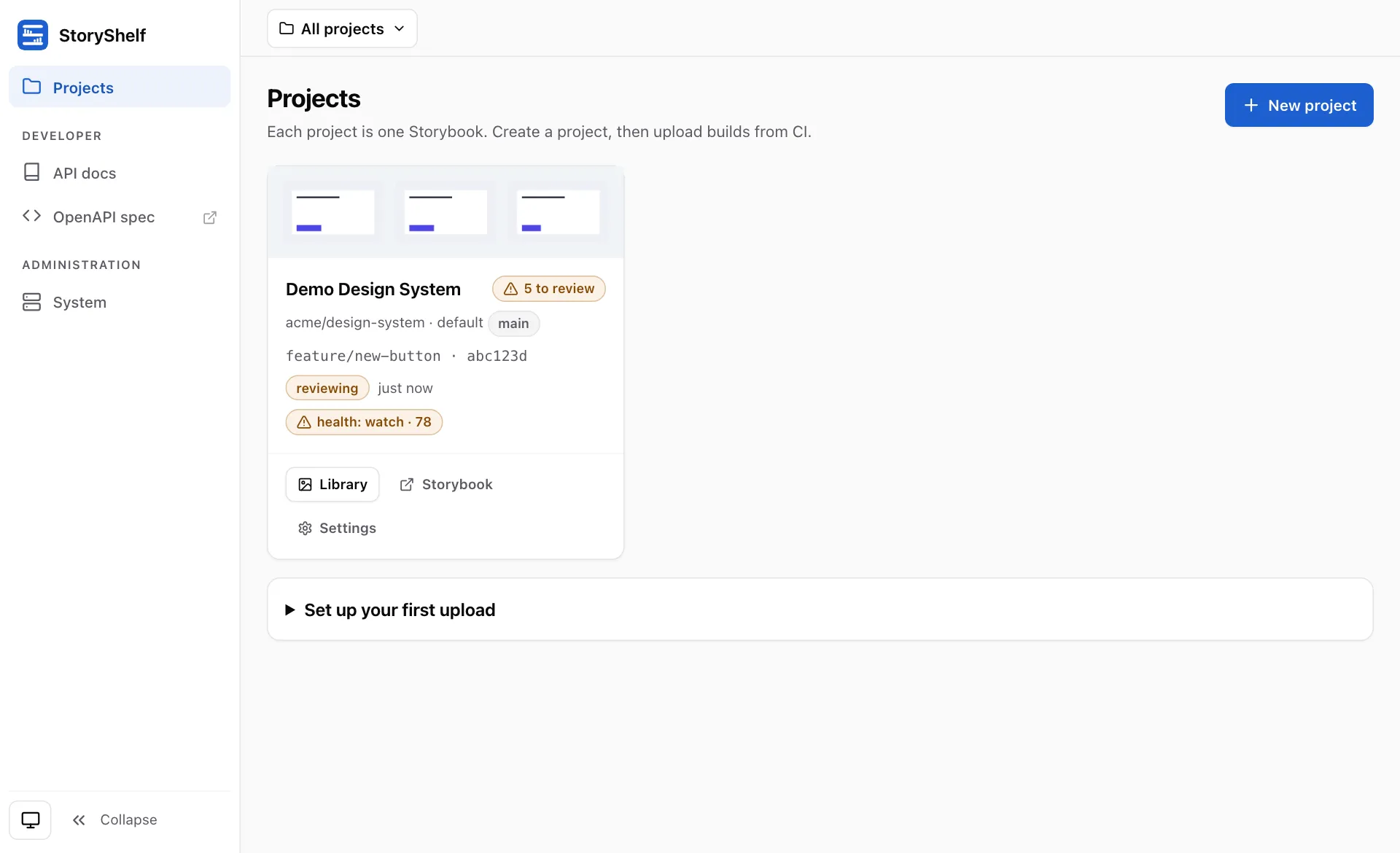
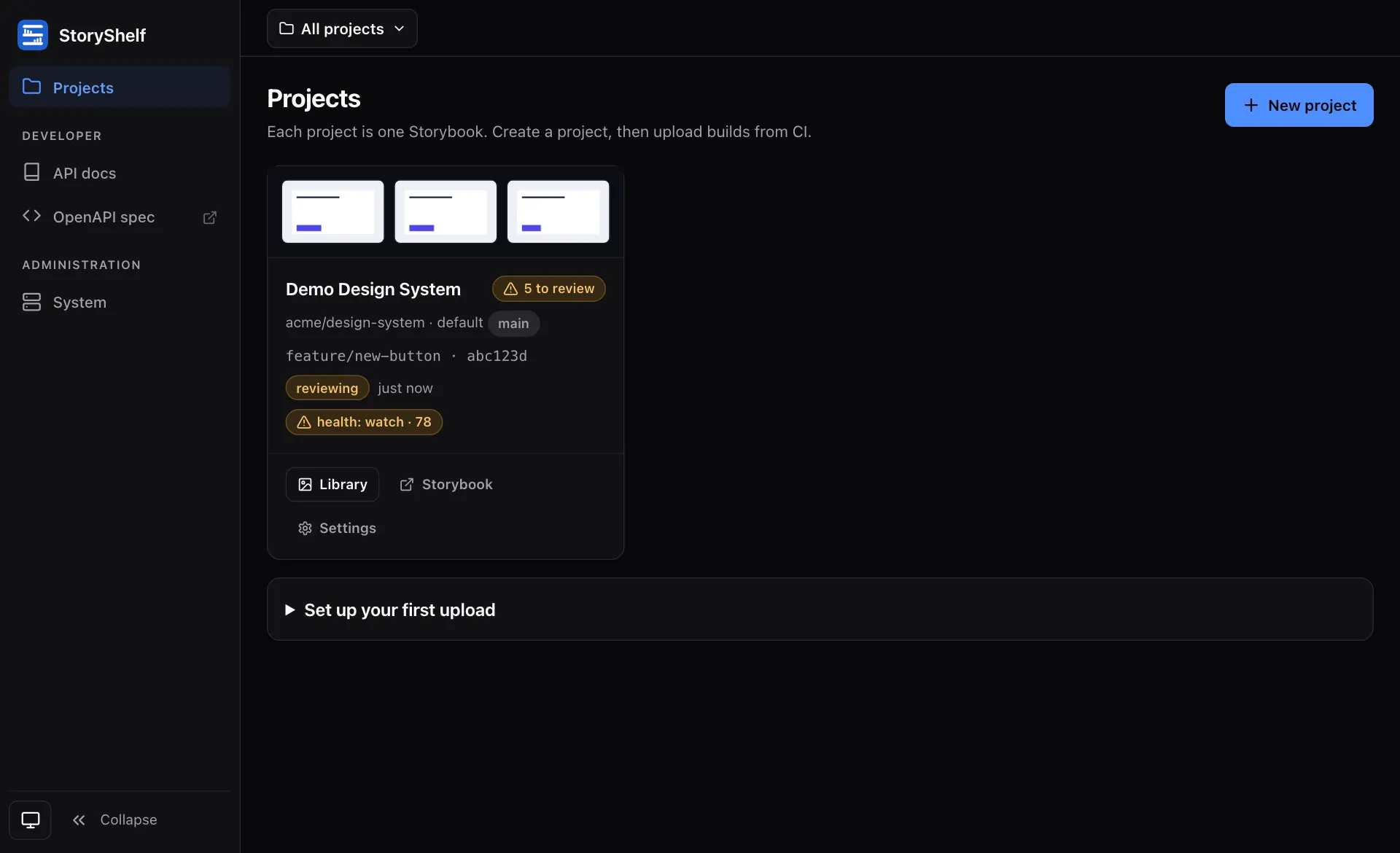
- The project card on Projects shows a
health: <verdict> · <score>badge once a digest exists, linking to the project.
How it works
Section titled “How it works”The digest covers the last 30 days. It runs only when someone asks for it (there is no scheduler), in the background, and replaces the previous digest for that window. Unchanged evidence is served from cache, so refreshing twice in a row costs nothing. Digests are kept for 90 days.
Other windows (for example 7d or 90d) are available over the API with the window parameter; the UI uses 30d.