
Published Storybook
Beyond diff review, StoryShelf publishes the uploaded Storybook build as a browsable site for designers and PMs.
How a build gets published
Section titled “How a build gets published”Publishing needs no capture: an instance without the testing option hosts Storybooks of any size. How the upload is published depends on the route:
- Small zip, inline. A zip up to
maxInlineUnzipSize(default 50 MB) is extracted in the upload request, so the Storybook is live when thePUTreturns. The size is counted while the upload streams, never fromContent-Length, so a chunked upload counts too. - Larger zip,
publishjob. A bigger zip is stored and apublishjob is put on the database queue. Every instance with a database runs a consumer forpublishjobs, so any of them extracts it in the background, with the queue’s lease, retry and redelivery. A zip that breaks an extraction cap (below) is failed at once, without retries. - File by file, no extraction.
POST /dedup,POST /content,POST /manifeststore the files content-addressed and publish when the manifest is stored. The CLI falls back to this route by itself when the server refuses a zip with413. It is the way to publish on a serverless host.
On a serverless host (AWS_LAMBDA_FUNCTION_NAME, VERCEL or NETLIFY is set) no consumer runs, so a zip over the inline limit is refused with 413 and a message pointing to the file-by-file route. Small zips still extract inline there.
Limits
Section titled “Limits”| Option | Default | Effect |
|---|---|---|
maxInlineUnzipSize | 50 MB | Largest zip extracted inline; 0 sends every zip to a publish job. |
maxZipEntries | 50 000 | Most entries a zip may hold; more fails the publish. |
maxUnzippedBytes | 2 GiB | Most uncompressed bytes a zip may expand to, counted while extracting; more fails it. |
Extraction also refuses entries with absolute paths or paths that leave the target directory (..). The compressed size is no bound on its own, which is why the entry and byte caps exist. See Configuration.
When the build is accepted
Section titled “When the build is accepted”With testing off, publishing is the whole life of a build and ends by setting its status:
- Default branch: published, the build becomes
approved, so the project’s Storybook link always resolves. Publishing that fails (for example a zip over a cap) makes itfailed. - Other branches, review off: published, the build becomes
approvedtoo: nobody is going to sign it off. This is the project’sreviewEnabledsetting (see Project settings). - Other branches, review on (the default): published, the build stays
pending, and the project’s Storybook link keeps resolving the previous accepted build. It becomesapprovedorrejectedthrough build-level verdicts (see Review). The build’s own page and published Storybook answer for anyone who may view the project meanwhile.
No approval event or webhook fires for this automatic acceptance; build:created already announced the upload. Repeating a publish (a job redelivered after a lost lease) never changes a build that has left pending. With testing on, publishing leaves the status alone and capture sets it.
The catalog and the pages it feeds
Section titled “The catalog and the pages it feeds”When publishing ends, StoryShelf reads the build’s Storybook index.json (or stories.json on older Storybooks) and keeps a compact catalog of it: one entry per story and docs entry with its id, title, name, story file, type and tags. It is stored as catalog.json beside the build’s files, and one build_components row per component (project, build, story file, title, story count and a hash of the component’s entries) goes into the database. Both are removed with the build when retention purges it. Test entries (Storybook 10 subtype: "test") are left out, as capture leaves them out.
A build published before the catalog existed is catalogued the first time a page needs it, from its stored Storybook. A build whose Storybook is gone has no catalog, and its pages say so instead of failing.
Three pages read the catalog, with testing on or off:
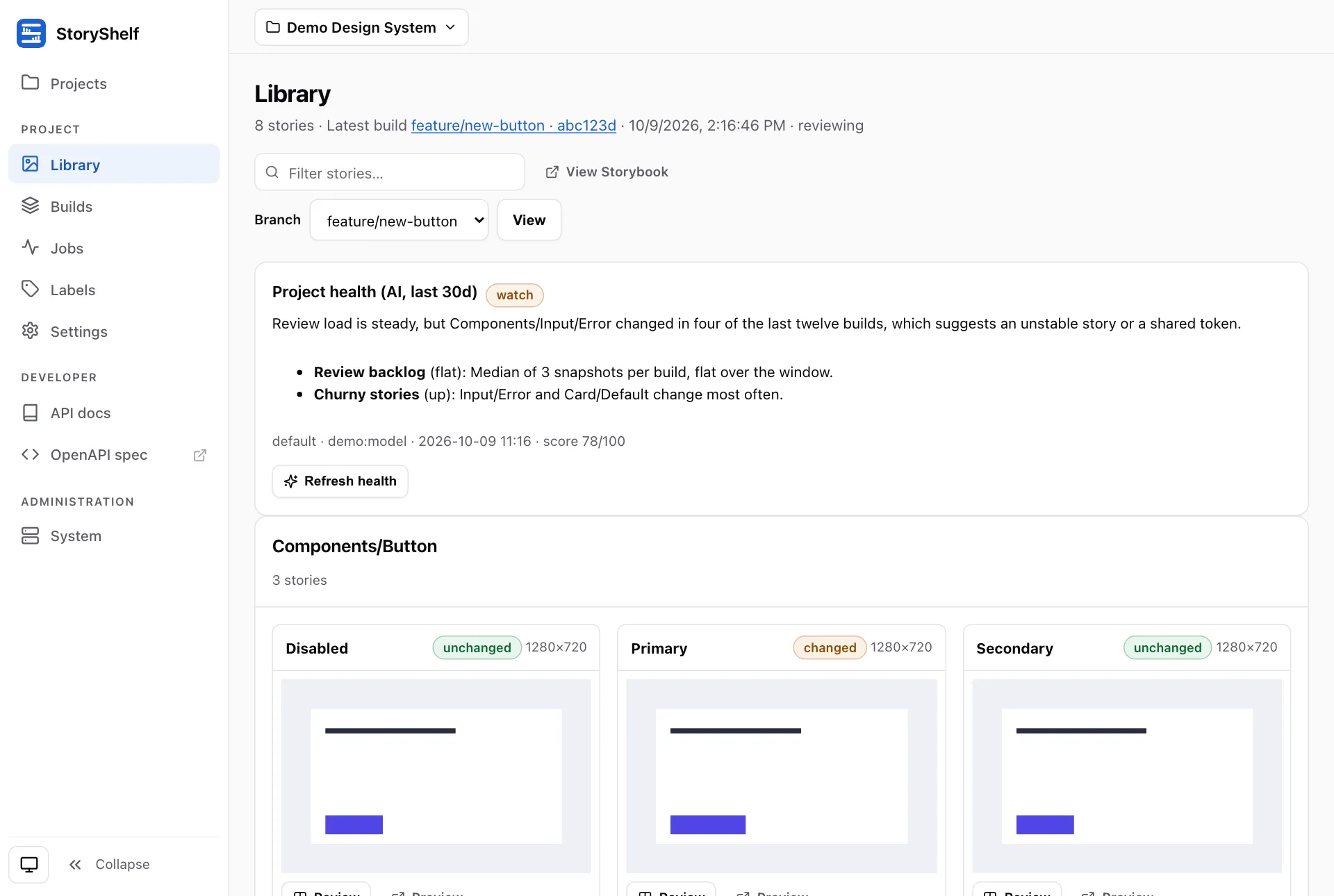
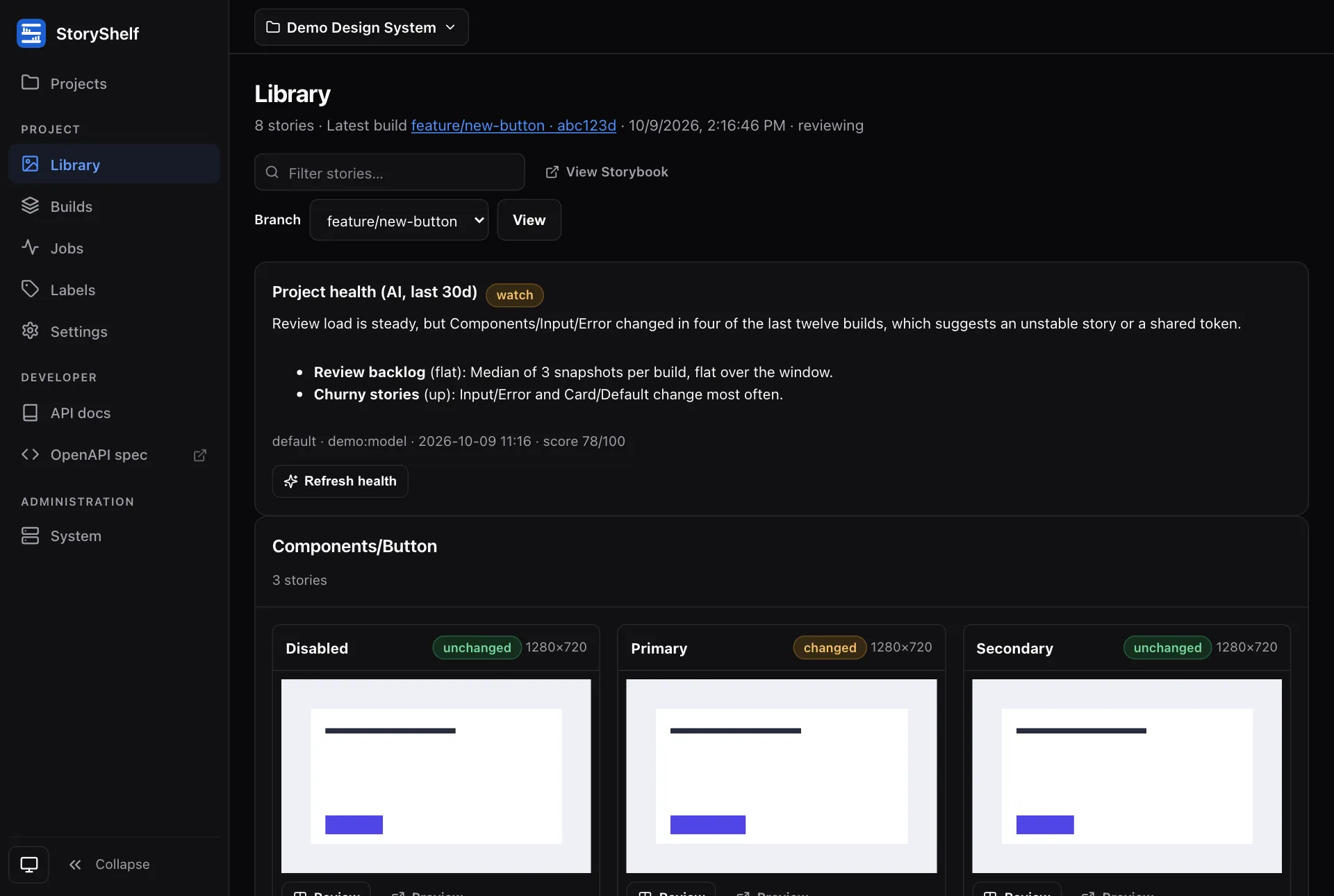
- Library (
/projects/<slug>/library): the components of the latest build of the selected branch, whatever its status. A build under review appears, and one still publishing shows a preparing message. Entries are grouped by title; each card links to its component page, counts its stories, shows its tags and links to the published story and docs. The branch switcher falls back to the default branch’s latest build, then to any build. - Component page (
/projects/<slug>/components/<path>): a Stories tab (a preview of one story, and every story and docs entry of the file) and a History tab (the builds that hold the file, and whether its stories changed since the build before on the same branch: added, removed or renamed). If the file moved or was removed, the page says where it went or which build last had it. - Build page (
/projects/<slug>/builds/<id>): sha, branch, author, message, labels, the published Storybook link, and component and story counts. An accepted build with no capture attempts is labelled Published; its approved count stays zero.
With testing the same pages gain what a capture adds: thumbnails and statuses on the library cards, the health panel and design links, a States tab with review links on the component page, and snapshot counts, attempts and bulk actions on the build page. Without testing none of that is shown, and a story’s parameters (design links, modes, per-story settings) are simply absent: they are not in index.json, and nothing treats their absence as an error.
Component preview
Section titled “Component preview”The Stories tab previews a story only when you ask: the page shows a Load preview button, and the frame is created on click, so opening a page never runs a published Storybook. The frame is sandboxed with allow-scripts only, with no allow-same-origin, so the Storybook runs on an opaque origin and cannot read the app’s cookies or storage. Every story and docs entry also has an Open link to the full Storybook.
Because the frame has an opaque origin, its module scripts are cross-origin requests that carry no cookies. For that reason the published files of a build answer Access-Control-Allow-Origin: * (never with credentials) when the build is viewable without credentials: it is public (see below), or the instance has no sign-in at all; so do files served through a signed Storybook URL. A private build on an instance with sign-in is framed through a signed URL minted for you when the page renders (valid for one hour; the page asks for a fresh one every 40 minutes and re-points the frame, so a page left open keeps working) when the instance has testing and a secret; otherwise its page says it cannot be framed and offers the Open link, which uses your session. Storybook 8, 9 and 10 render under this sandbox.
URL structure
Section titled “URL structure”All three are the same published artifact — the latest published build for the project (most recent build whose branch is public). They are resolvers that 302 to a canonical build-scoped path that serves assets:
GET /projects/:slug/storybook— latest on default branchGET /projects/:slug/storybook/:key/:value— latest bearing that label (pr/42, value is wildcard, URL-encoded)GET /projects/:slug/storybook/build/:buildId/...— canonical — servesiframe.html,index.json,assets/*.js, etc.
Path-style labels keep / safe: branch=feature/foo round-trips as …/labels/branch/feature/foo without slug collision. Label values are encodeURI-ed, wildcard-captured, and not slugified.
Build-specific assets live only under /build/:buildId/... so label resolution never collides with Storybook’s nested assets/foo.js.
Public vs auth gate
Section titled “Public vs auth gate”A build is public iff builds.public = true or builds.git_branch matches projects.public_branch_regex (e.g. ^main$, ^release-). Public builds are viewable without auth; all others require at least viewer membership (see Roles and Auth). Unauthenticated users can still review public published Storybooks while review stays gated.
Retention keeps the latest build per branch, so the latest published build on a branch survives purge; if it is purged, the URL falls back to the next-most-recent public build (or 404).
Subdomains (optional)
Section titled “Subdomains (optional)”Opt in via publishedBaseDomain (e.g. stories.example.com) plus a wildcard DNS (*.stories.example.com → your.server) and wildcard TLS cert. Subdomains serve the Storybook at the domain root — no asset-path rewriting (Storybook expects root).
:slug.stories.example.com— latest published on default branch:buildId.:slug.stories.example.com— a specific build
Subdomains serve published Storybooks only — the review UI stays on the main domain at /projects/:slug/.... Labels are not exposed as subdomains (DNS labels can’t contain /). Without publishedBaseDomain, path-based URLs are the only surface (default for localhost).
Configure:
createShelfApp({ config: { publishedBaseDomain: "stories.example.com" },});The linkRoute() helper switches between path and subdomain forms based on config.
Related
Section titled “Related”- Projects —
public_branch_regexsetting - Labels — stable
/:key/:valueURLs - Roles — viewer access for published Storybooks
- Guides: Deployment (subdomains DNS), Auth