
Builds & snapshots
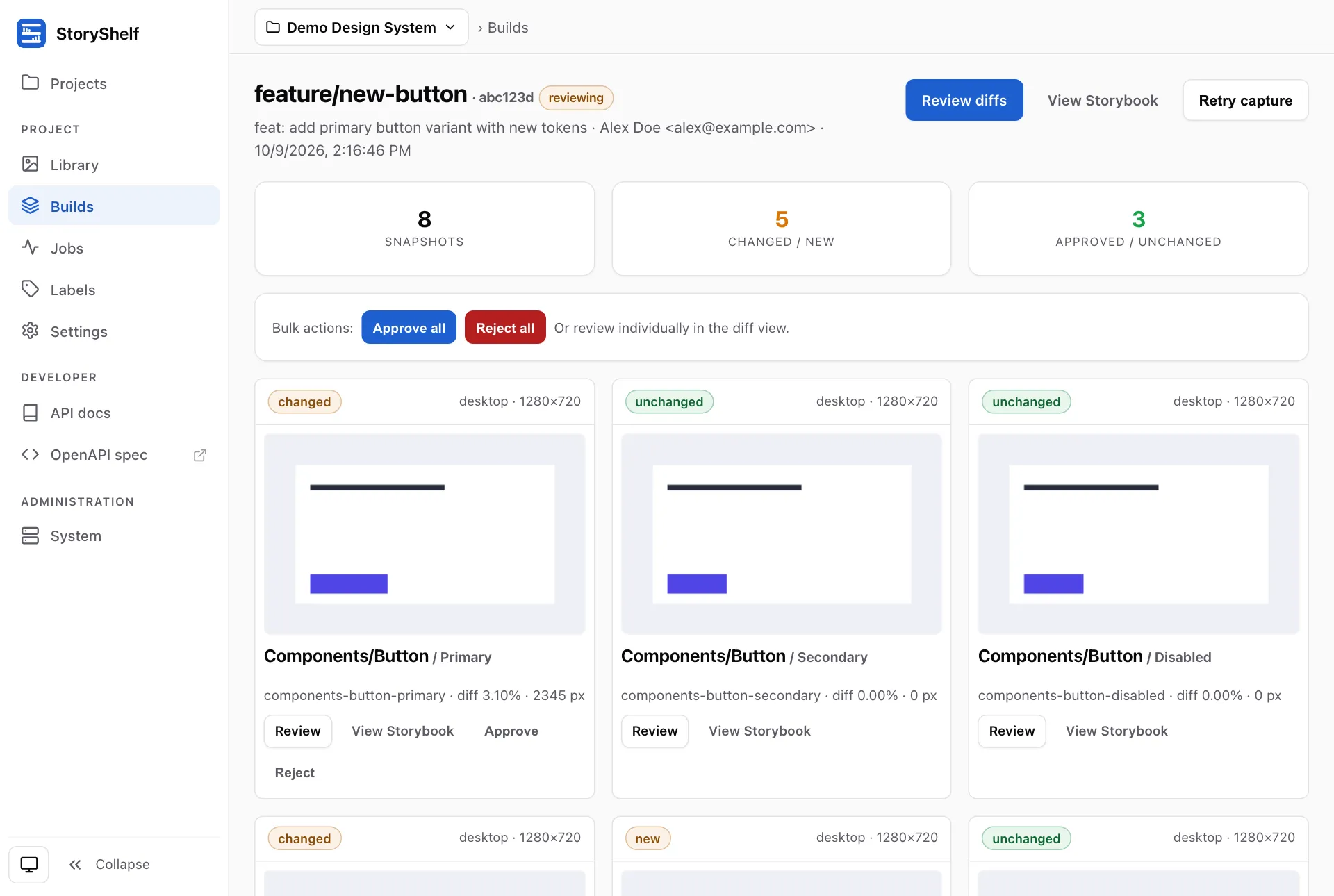
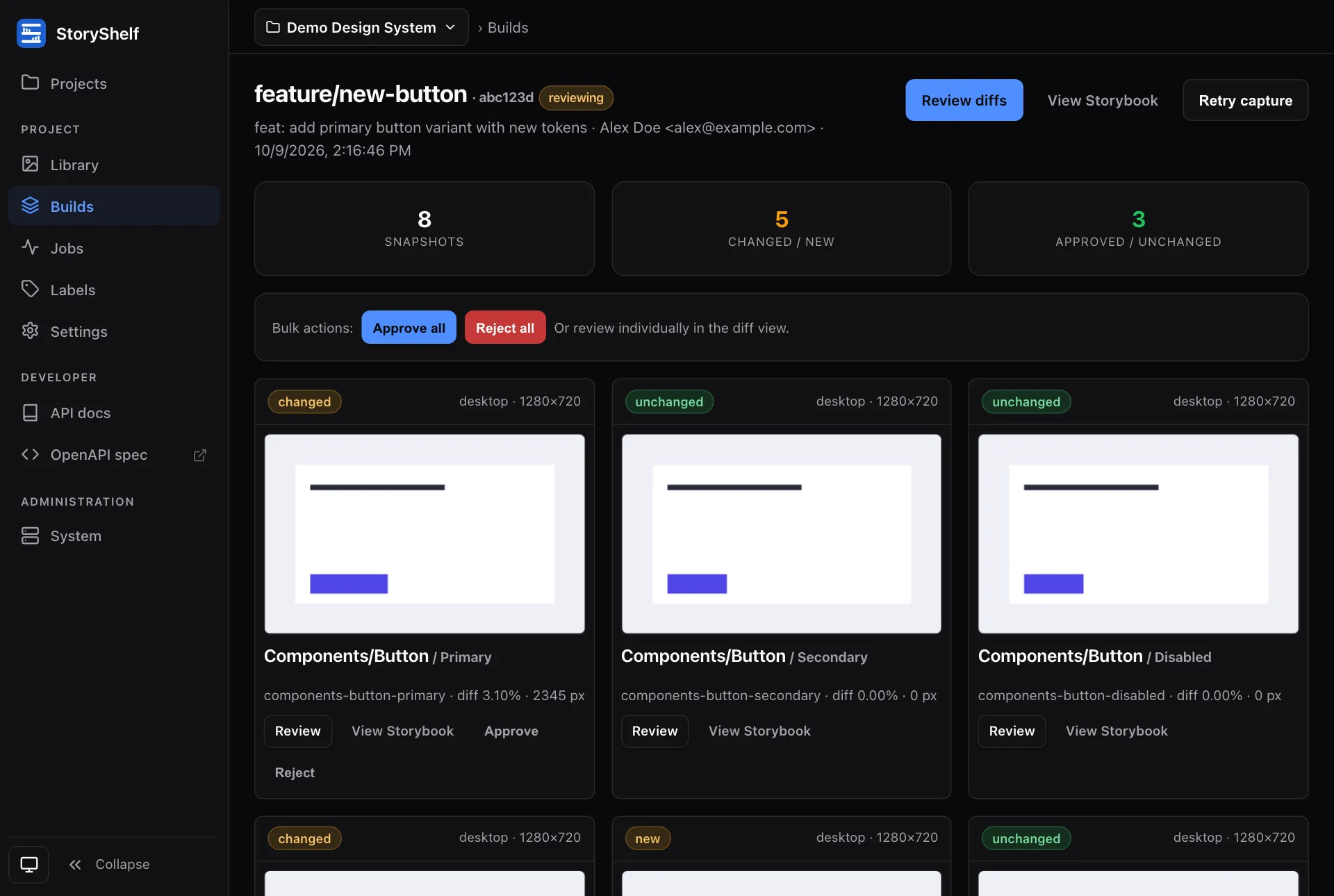
A build is one upload of a Storybook (one POST /api/v1/projects/:slug/builds + zip PUT). A snapshot is one screenshot for one story × viewport inside that build. A project holds many builds; each build holds many snapshots.
Lifecycle
Section titled “Lifecycle”flowchart LR
A[pending] --> B[capturing]
B --> C[comparing]
C --> D[reviewing]
D --> E[approved]
D --> F[rejected]
B --> G[failed]
C --> G
A --> H[cancelled]
B --> H
C --> H
| Status | Meaning |
|---|---|
pending | Uploaded, queued |
capturing | Playwright/Puppeteer rendering |
comparing | Diffing against baselines |
reviewing | Diffs ready, needs human review |
approved / rejected | Review complete |
failed | Capture or play threw (blocking) |
cancelled | A user stopped the build |
Default-branch builds auto-approve and write baselines; feature-branch builds land in reviewing.
Without testing nothing is captured: a published default-branch build becomes approved when publishing ends and is labelled Published on its page, which shows component and story counts from the catalog instead of snapshot counts.
A build on another branch is accepted the same way when the project has review off (reviewEnabled: false). With review on (the default) it stays pending until reviewers decide it with a build-level verdict (POST /api/v1/projects/:slug/builds/:id/reviews, approver and admin): approved once the project’s required approvals (reviewApprovals, default 1) are present and no reviewer’s latest verdict is rejected, rejected when any is. A verdict is rewritable and belongs to its build, so a new push needs a new approval. With testing on the snapshot rollup decides and a verdict is only a sign-off. The build page lists what the build changed in the catalog (components added, removed and changed against the latest accepted build of the branch, else of the default branch), the verdicts, and the build and story comments. A pending build that nobody reviews is purged once its last activity is older than the retention window. See Review.
Snapshots track the diff result:
| Status | Meaning |
|---|---|
pending | Not yet rendered |
new | No baseline on this branch or default — needs accept |
changed | Diff ratio exceeds maxDiffRatio / pixel threshold |
unchanged | Within threshold — auto-approved (includes baseline-inherited stories) |
approved / rejected | Human decision |
storyId is components-button--primary (unique), plus storyName, storyTitle, and viewportName (desktop default 1280×720). diffPixels / diffRatio / diffPath are populated only when a baseline exists.
With affected capture, stories outside the change inherit their baseline without rendering: snapshots with inherited: true reuse the baseline screenshot and land unchanged. The build row counts them in inheritedCount (part of snapshotCount) and records the computation (affectedOnly, baselineSha, changedFiles, affectedImportPaths; null paths mean a full render).
Attempts & logs
Section titled “Attempts & logs”Each capture run records a captureAttempts row (attempt 1, 2 on retry) and streams structured logs to captureLogs. Inspect per-attempt history:
GET /api/v1/projects/:slug/builds/:id/attemptsGET /api/v1/projects/:slug/builds/:id/attempts/:no/logs
A render no longer goes quiet between “partitioned” and “stories rendered”. For each browser engine the attempt log records, in order:
affected capture partitioned: how many stories render and how many inherit a baseline.- The runner’s own
info,warnanderrorlines:capture sizing(detected CPUs and memory, pages at once, timeout),browser recycled,a11y violations found(one line per story with the axe rule ids; non-blocking, the texts are also kept on the snapshot and shown in review) andrender failed for story. Debug lines stay in the server log only. captured N/M screenshotsafter every 10 screenshots (it counts story and viewport pairs, so a story with several viewports or modes counts several times).render pass finishedwith the captured, failed and expected counts.
Progress lines appear only for runners that stream captures (the bundled Playwright and Puppeteer runners do). Lines are written one at a time, so their order is stable even when several pages fail at once.
Retry a flaky capture with POST …/builds/:id/retry or storyshelf retry --build-id.
Stop a build that is pending, capturing or comparing with Cancel build on the build page or POST /api/v1/projects/:slug/builds/:id/cancel (developer role and above, needs testing). Every queued job of the build (capture, publish and notification jobs) is cancelled, a running capture stops within a few seconds, and the build ends cancelled. cancelled is final: a capture that finishes after the cancel cannot move the build, it cannot be reviewed (no verdict, no snapshot approval; both answer 409), and it is purged like a failed build. Git statuses show it as cancelled (GitLab canceled, GitHub error with the description Cancelled), the pull request comment says so, and the build:cancelled webhook and notification topic fire; a cancel raises no build:failed and no capture-failed alert. Retry resets a cancelled build to pending like a failed one. A build in any other state answers 409.
What outlives a build
Section titled “What outlives a build”Builds and snapshots are transient — purged after purgeTtlDays (see Retention). Baselines are the truth and survive purge. A build bearing a persistent label (git tag, e.g. v1.2.3) is never purged; see Baselines & branches and Labels.
Find builds by branch/status/label:
curl "$SHELF/api/v1/projects/my-app/builds?branch=main&status=reviewing"curl "$SHELF/api/v1/projects/my-app/builds?label_key=pr&label_value=42"Stable label URLs (/projects/:slug/labels/:key/:value) always resolve to the latest build for that value.
Related
Section titled “Related”- Baselines & branches — which screenshot is the expected one
- Labels — typed values for search and stable URLs
- Review workflow — approve/reject, comments, retry
- Retention — what survives purge