
Build triage
Triage reads one build and answers: does this set of visual changes match what the commit says it changed?
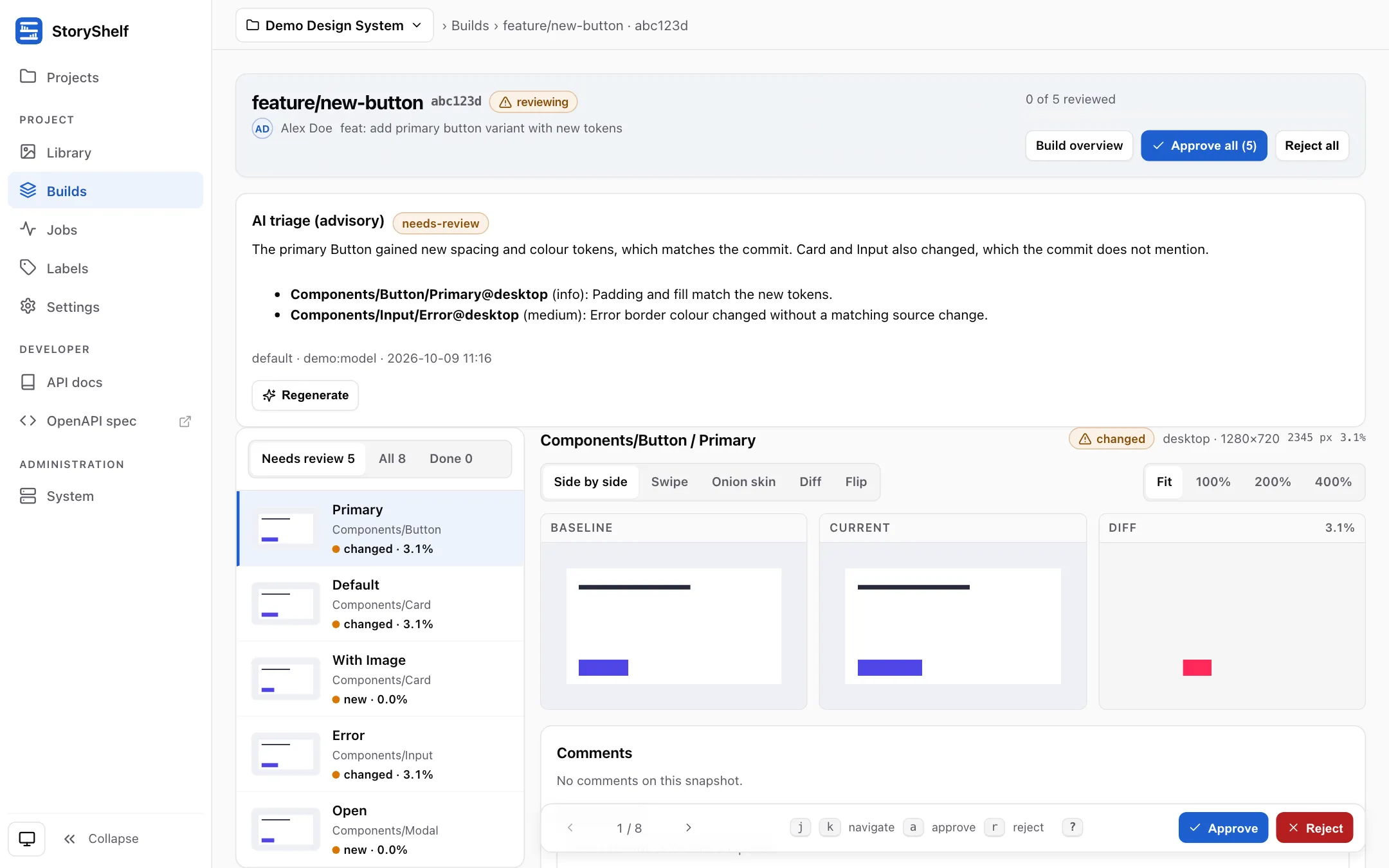
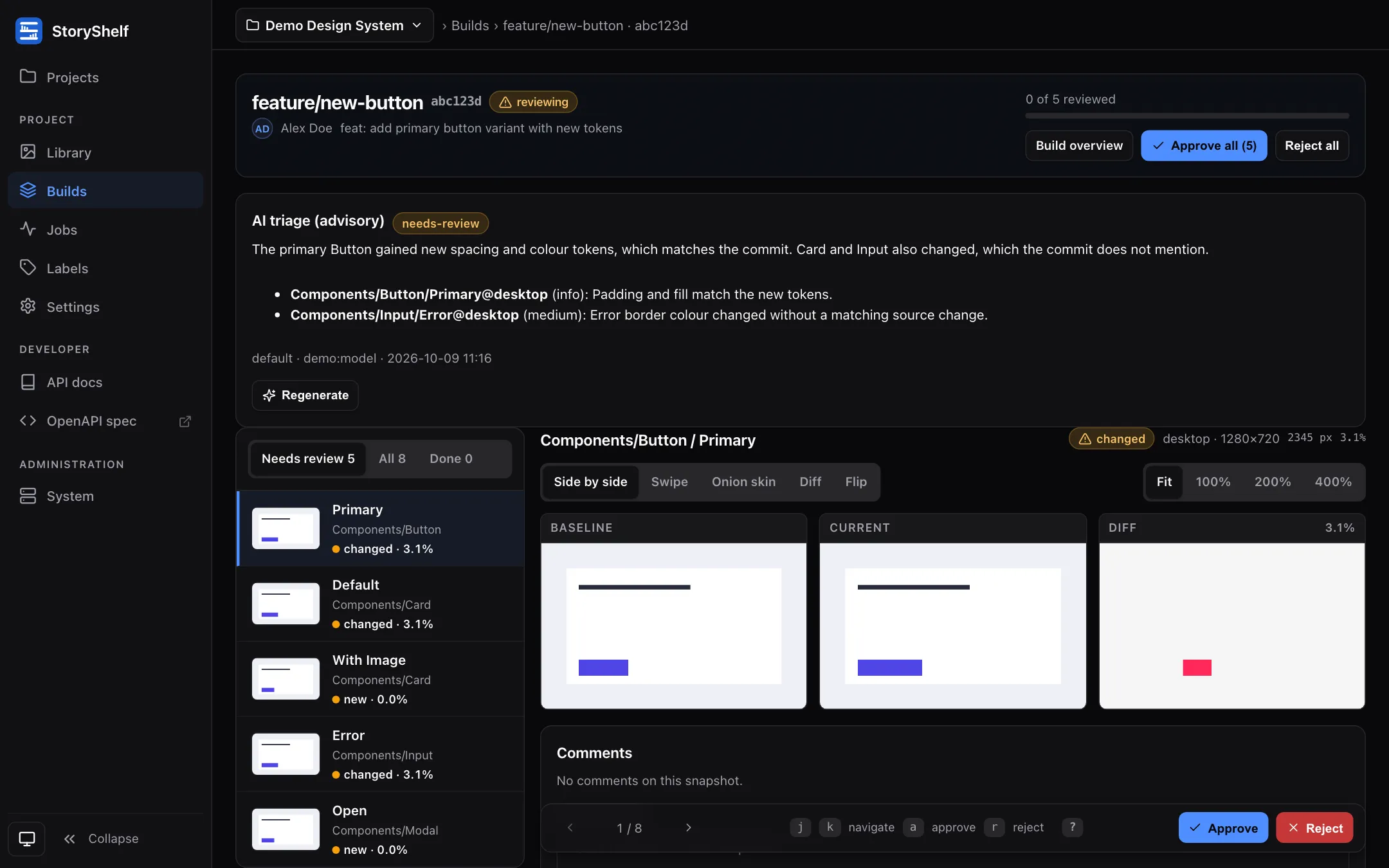
What it shows
Section titled “What it shows”- A verdict:
likely-intended,needs-revieworlikely-regression. - A short summary of why.
- A note per snapshot it considers worth mentioning, with a severity (
info,low,medium,high), using the sameComponent/Story@viewportkeys you see in the filmstrip. - Which profile and model produced it, and when.
Everything is plain text. The verdict is a hint for the human reviewer; approving, rejecting and the merge gate work exactly as before.
Generating it
Section titled “Generating it”Approvers and admins see a Generate triage button (and Regenerate once a result exists). The work runs in the background: the panel shows generating… and refreshes itself. A result is also available over the API.
If the model call fails or times out, the panel says so and the button lets you try again. Runs that never finish (for example because a server restarted) are marked failed after 30 minutes.
Caching
Section titled “Caching”The result is cached against a hash of the exact evidence, the prompt version, the profile and the model. Opening the page, or asking again with unchanged evidence, costs nothing; Regenerate forces a fresh call. Changing the model, the profile or the prompt version produces a new result automatically.
What goes in
Section titled “What goes in”Build metadata and changed files, the changed snapshots ranked by difference, head and tail of warn/error capture logs, a few comments, and (only with a vision-capable profile) up to three downscaled screenshots. Details and limits are in Privacy and safety.
Who can do what
Section titled “Who can do what”| Action | Roles |
|---|---|
| See the triage panel | Viewer, developer, approver, admin |
| Generate or regenerate | Approver, admin |
| Choose a different profile for one run (API) | Site admin only |