
Projects
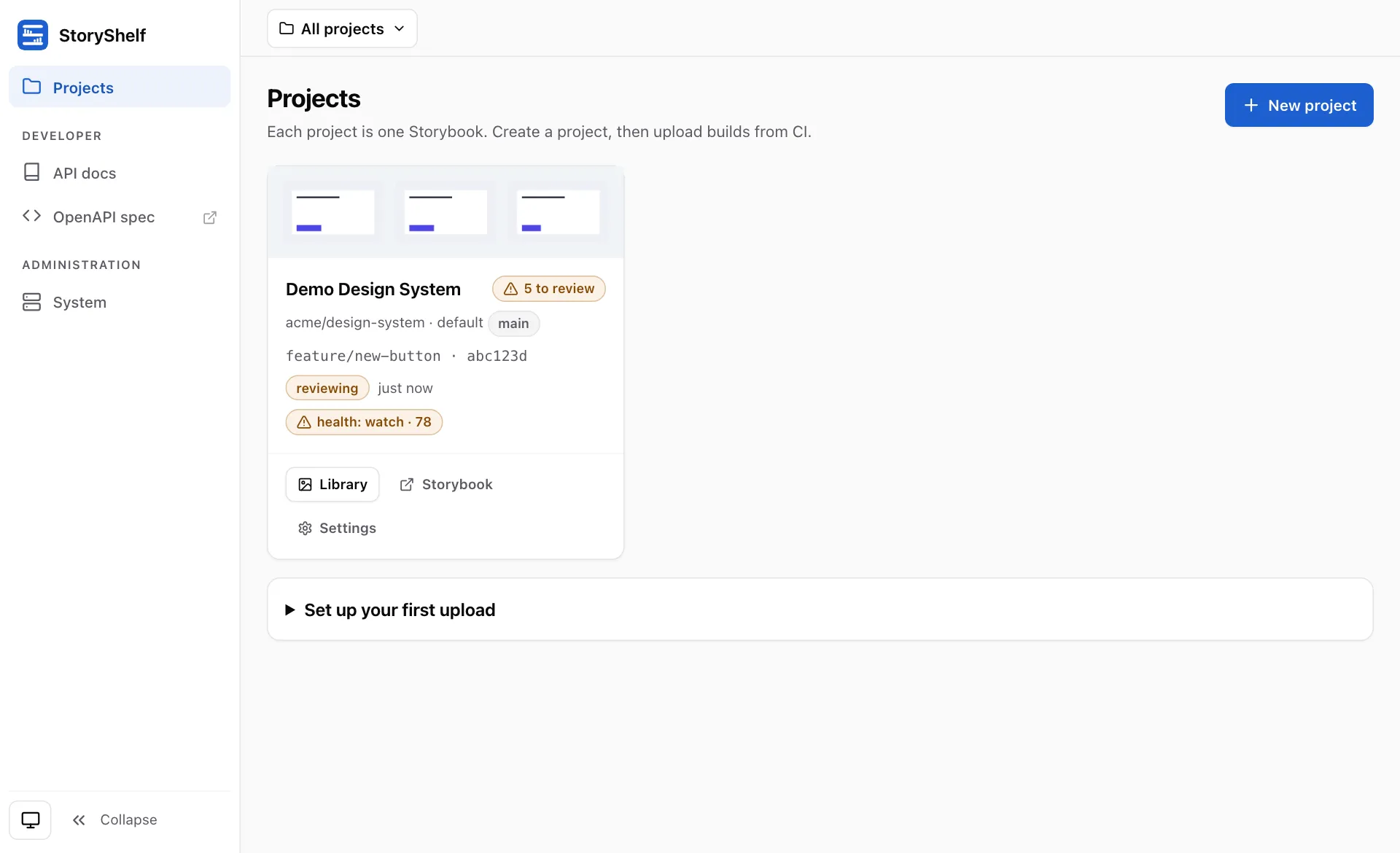
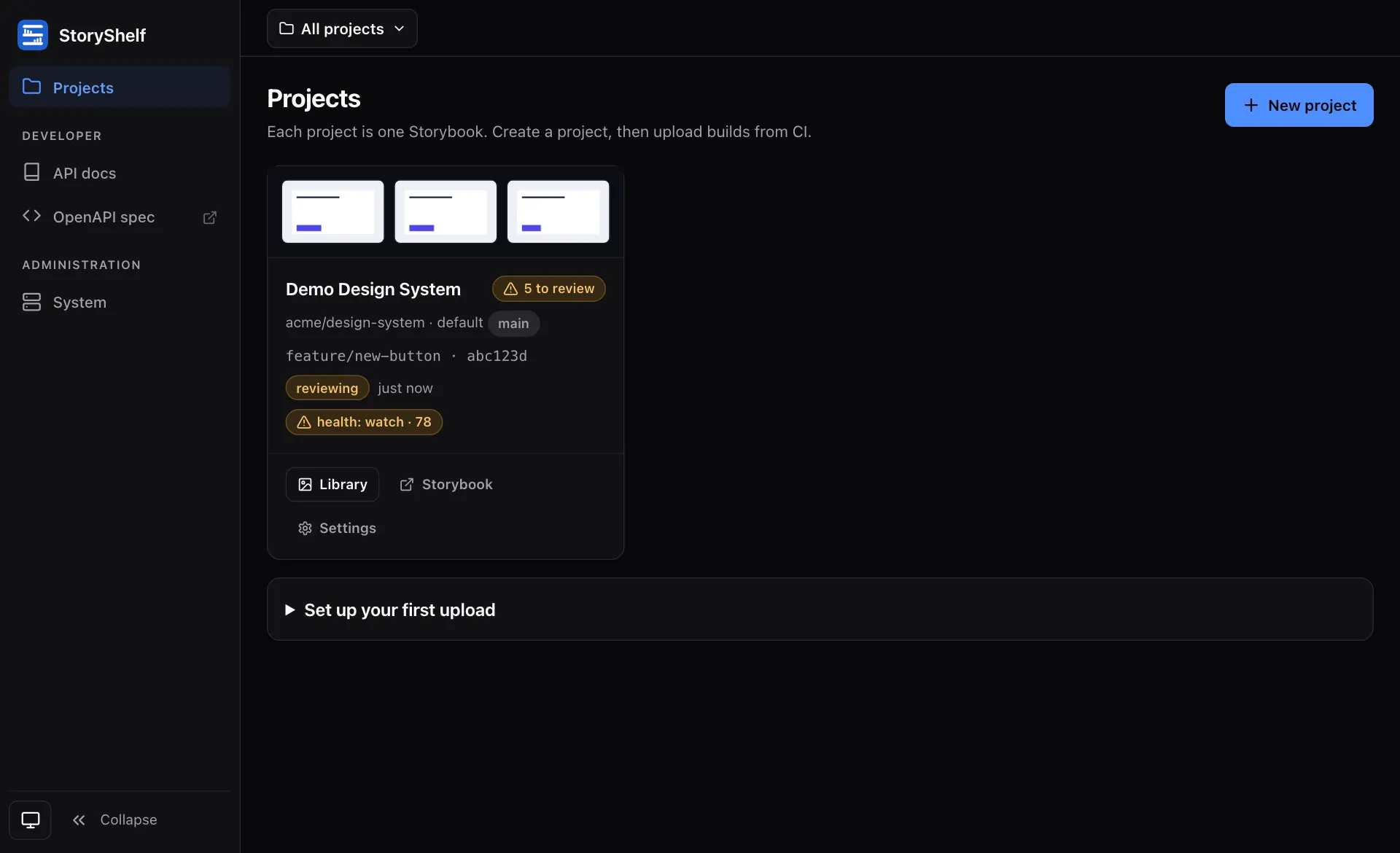
A project is the top-level unit of organization in StoryShelf. The key mental model: one project = one Storybook, not one git repository.
One Storybook per project
Section titled “One Storybook per project”A project wraps a single Storybook and its history of builds. It carries:
- A
nameand a URL-safeslugused in all HTML/public URLs. - The git default branch (default
main) that drives baseline fallback and auto-approval. - Diff thresholds (
pixel_threshold,max_diff_ratio). - An optional
git_repository("owner/repo") link — many projects may share a repo. - An optional
public_branch_regexfor auth-free published Storybooks.
Because a project is one Storybook, a monorepo with several Storybooks creates several projects — each with its own slug, token, label types, and git channels. Each project’s git channel posts its commit status as <prefix>/testing; give the channels of projects that share a repository different prefixes so multiple Storybooks on the same revision don’t collide.
Creating a project
Section titled “Creating a project”The quickest way is the CLI (requires site-admin token, writes .storybook/storyshelf.json):
npx storyshelf create --url http://localhost:3000 --name "My Design System" --token $STORYSHELF_ADMIN_TOKEN# or initialize client config for an existing project:npx storyshelf init --url http://localhost:3000 --slug my-design-systemThis creates the project and returns its slug and a CI token (or just writes client config). You can also create and manage projects from the web UI’s project-create and settings pages.
Tokens
Section titled “Tokens”Projects authenticate the CLI/CI with API tokens (Authorization: Bearer <token>). Tokens are per-project, so a CI token can only touch its own project. Create, list, and revoke tokens in project settings. Tokens are stored hashed; the raw value is shown once at creation.
Roles & members
Section titled “Roles & members”When auth is enabled, projects track members and their project-scoped roles:
| Role | Capabilities |
|---|---|
viewer | View builds, diffs, and published Storybooks |
developer | View + upload builds |
approver | View + approve/reject snapshots |
admin | Full control, including members and settings |
Site-wide admin users bypass project roles. Manage membership from the project settings page.
Settings
Section titled “Settings”Each project has settings for:
- Members — project-scoped roles.
- Label types — the typed labels (pr, mr, jira, etc.) and their link templates. See Labels.
- Public access — the
public_branch_regexcontrolling auth-free published Storybooks. - Tokens — CI API tokens.
- Webhooks — notify external systems of build events.
Projects vs. builds
Section titled “Projects vs. builds”A project contains builds (one per upload, identified by ULID rather than git SHA so re-runs are possible) and baselines (per branch). Builds are transient and purged by retention; default-branch baselines are permanent, feature-branch baselines are GC’d after branchTtlDays (30d daily sweep). See Baselines & branches.